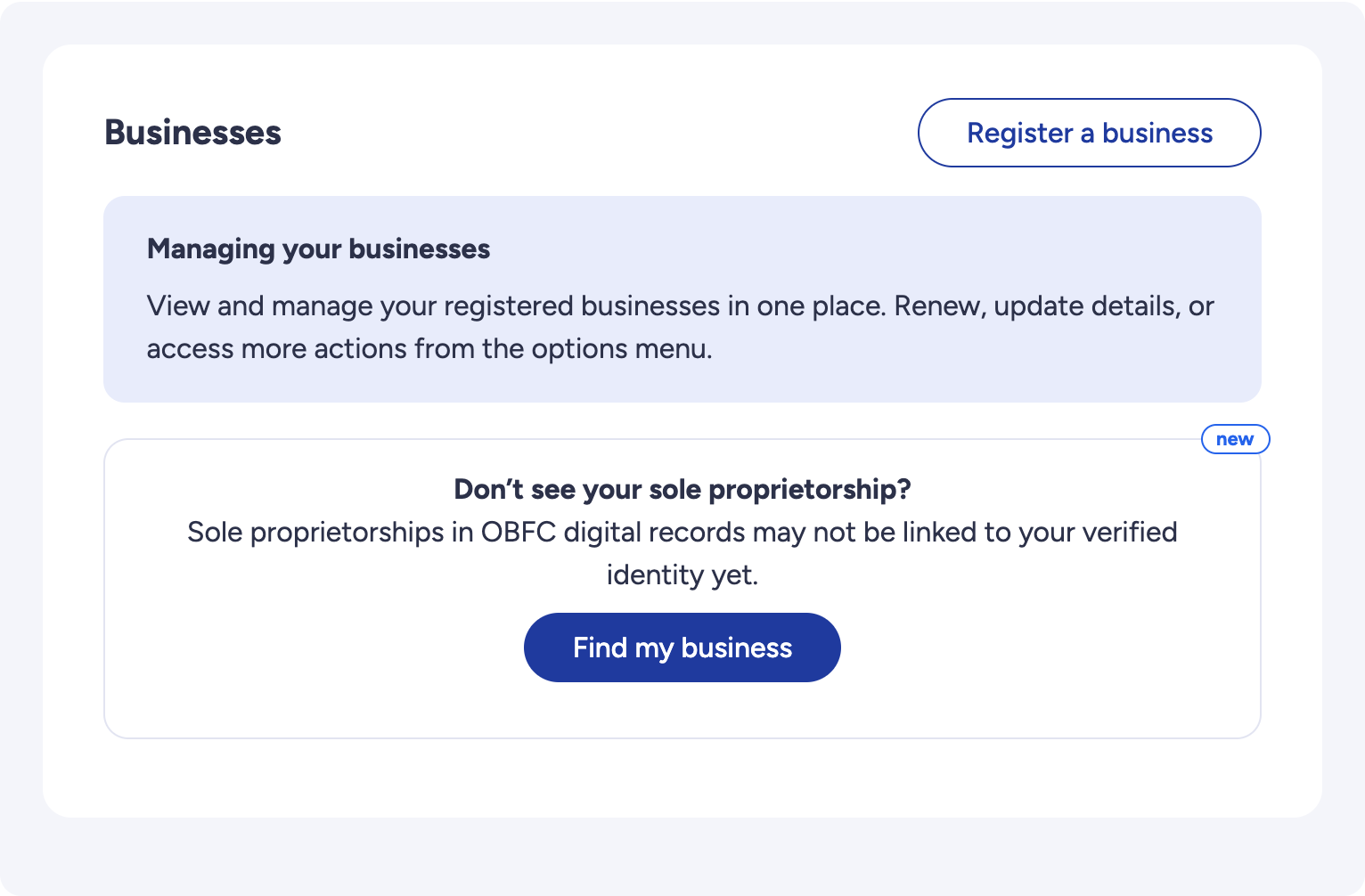
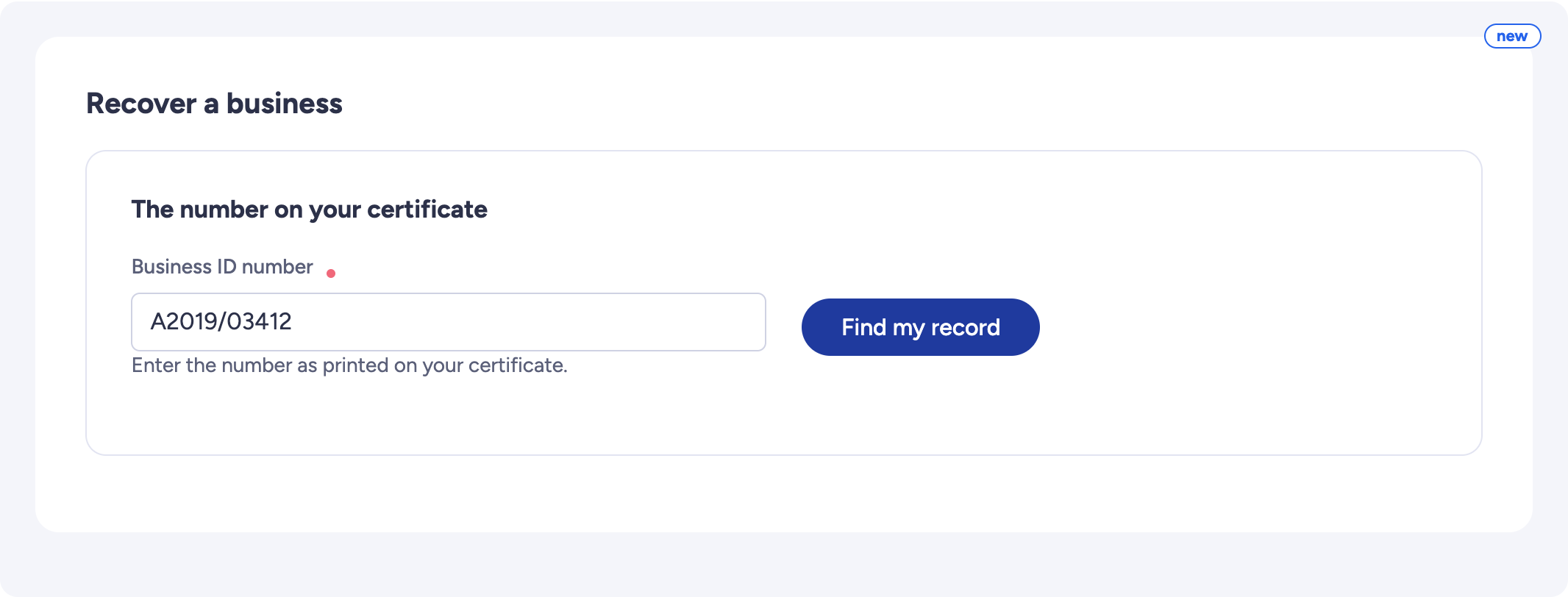
OBFC finds your business in its old list
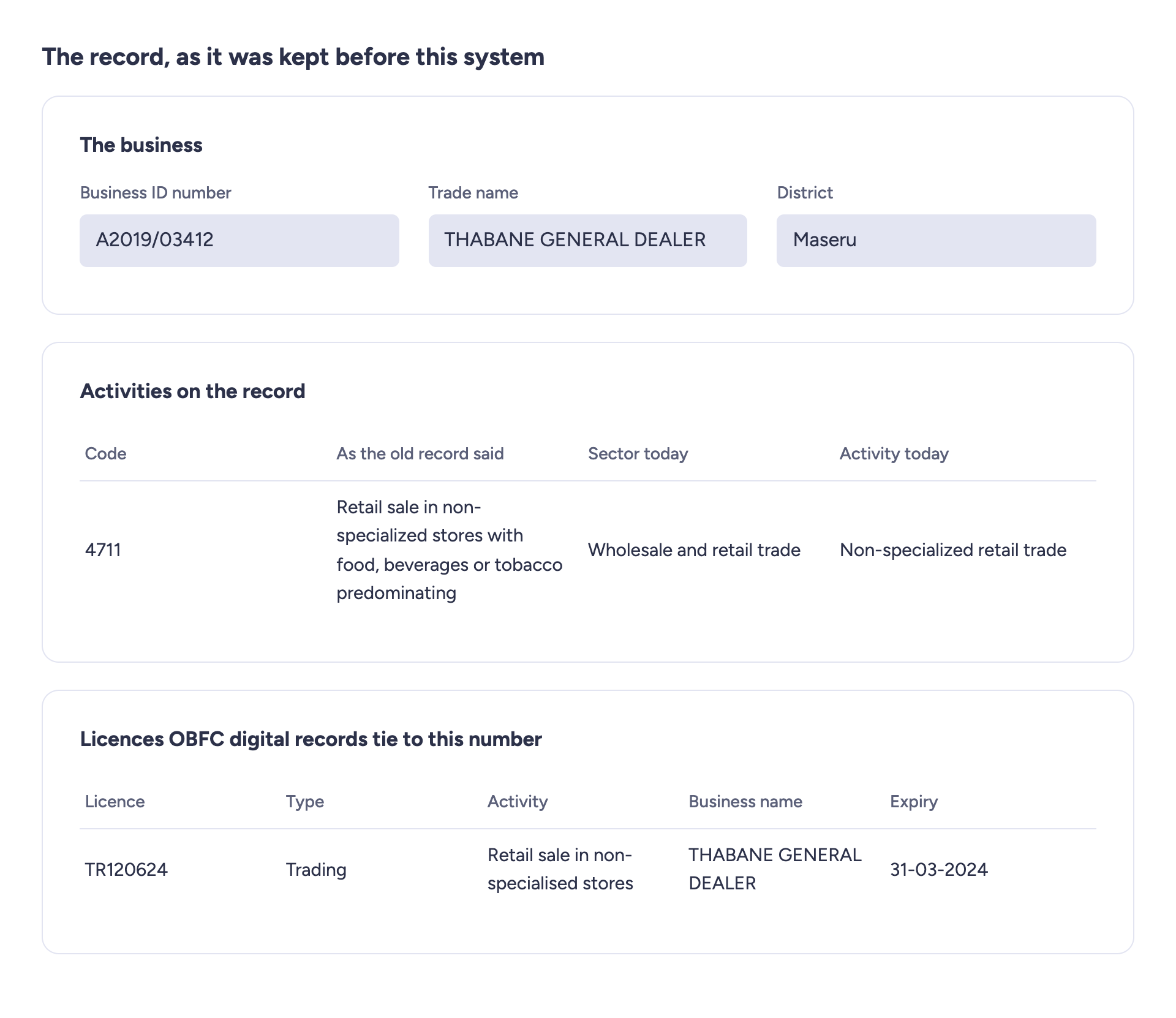
The screen shows your business as OBFC kept it before this system. Check it is yours.
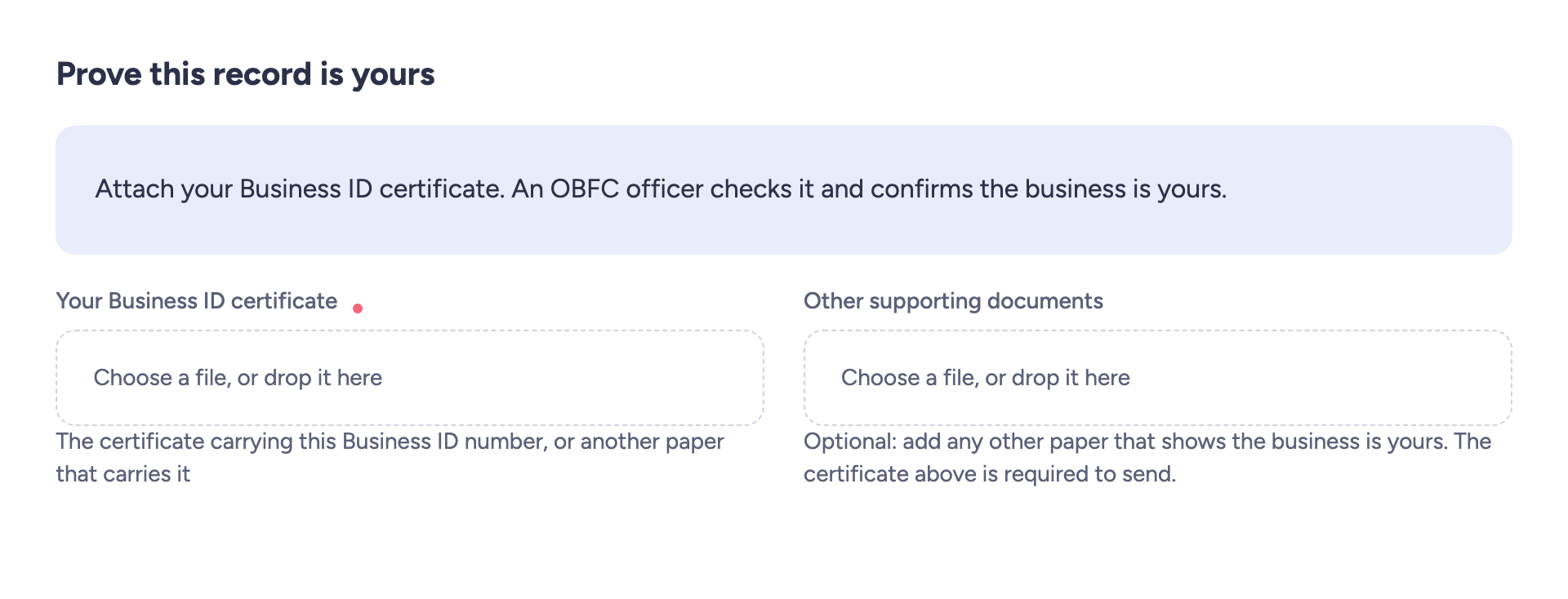
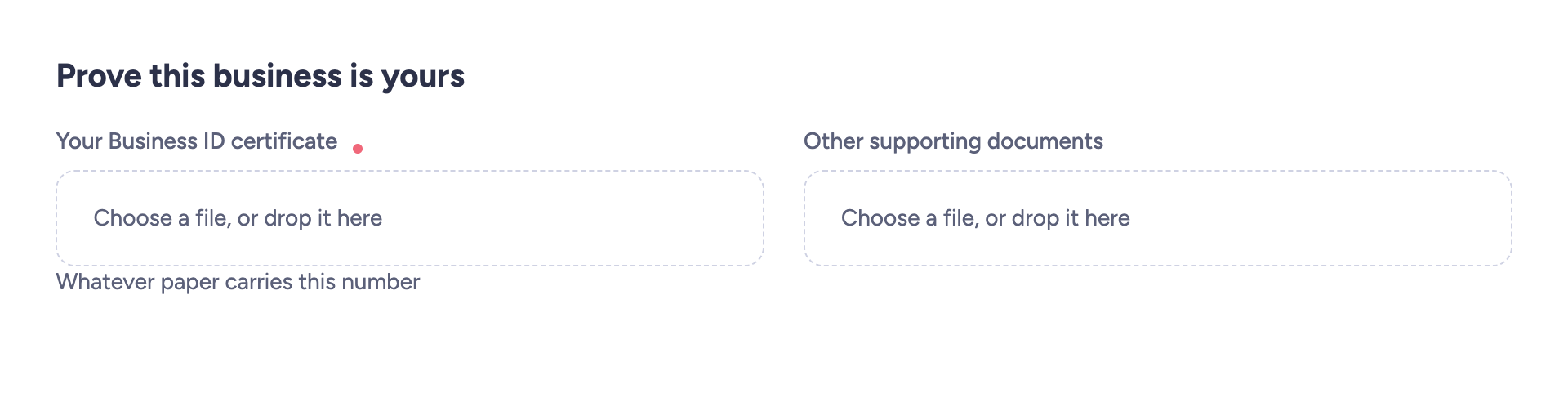
Attach your Business ID certificate. Other documents can be added beside it.
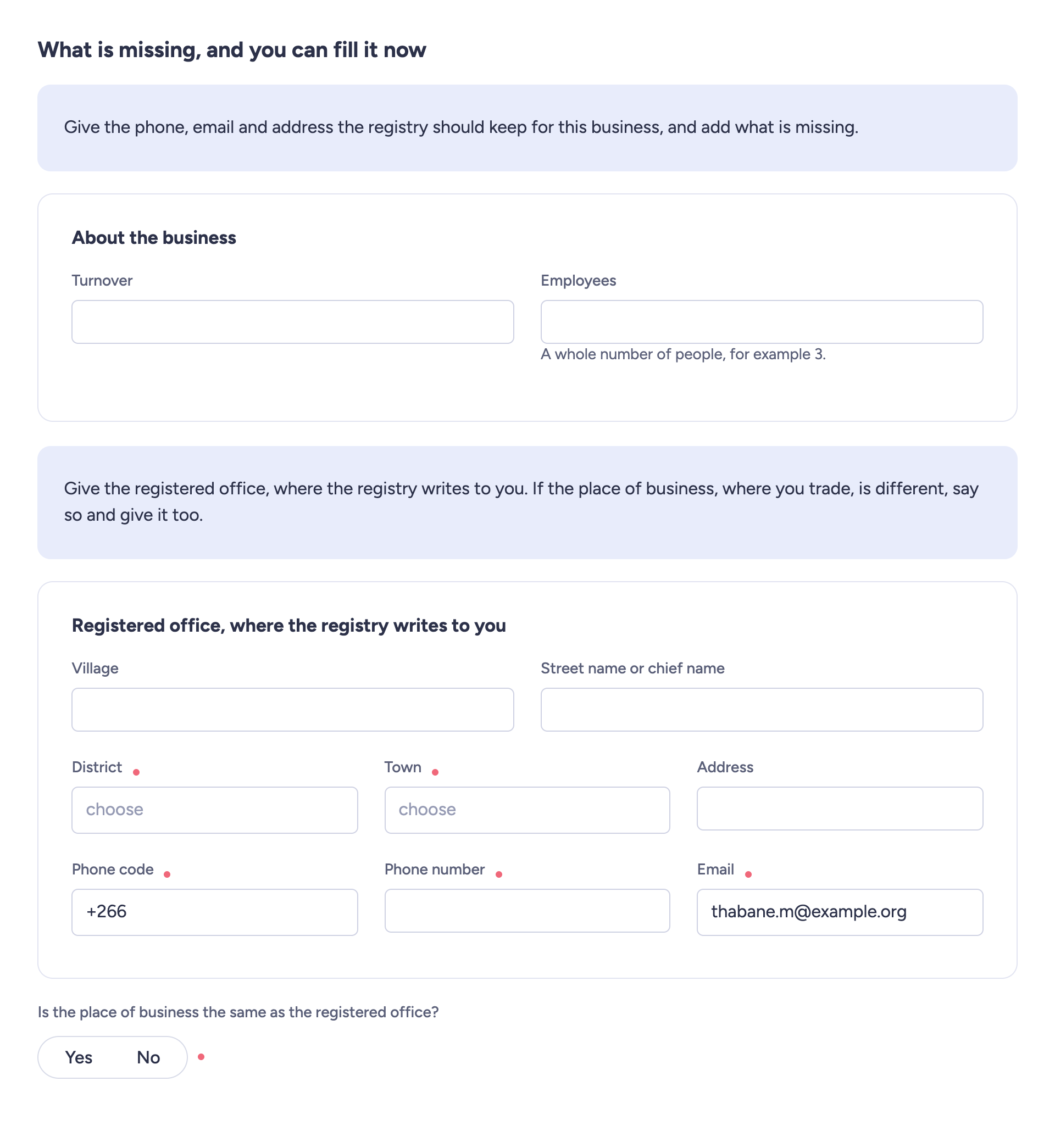
Complete what is missing. Your email and the phone code are already filled in.
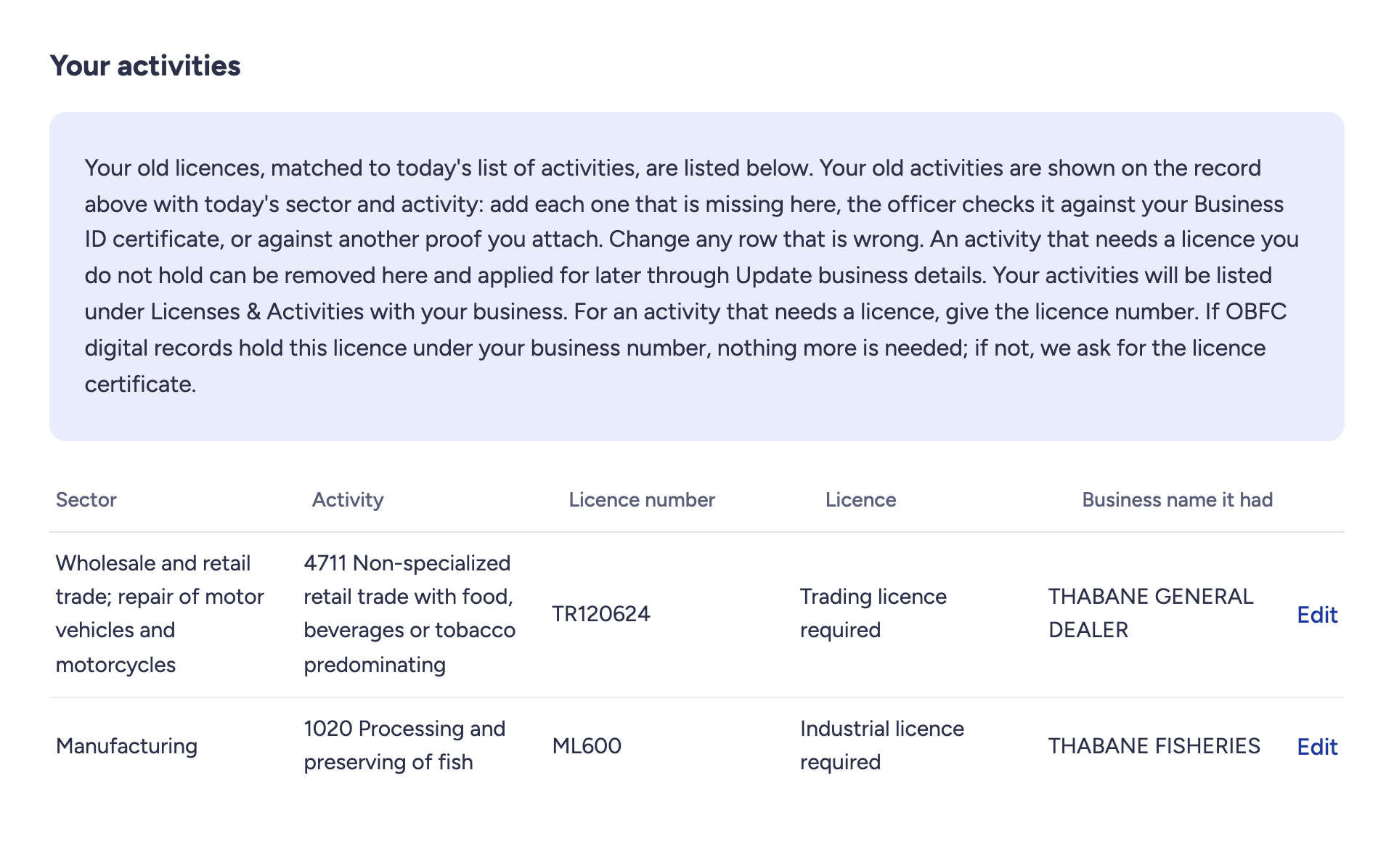
Remove an activity you no longer run and add each one printed on your certificate. For a licence OBFC does not hold, copy its dates from the licence certificate and attach it.
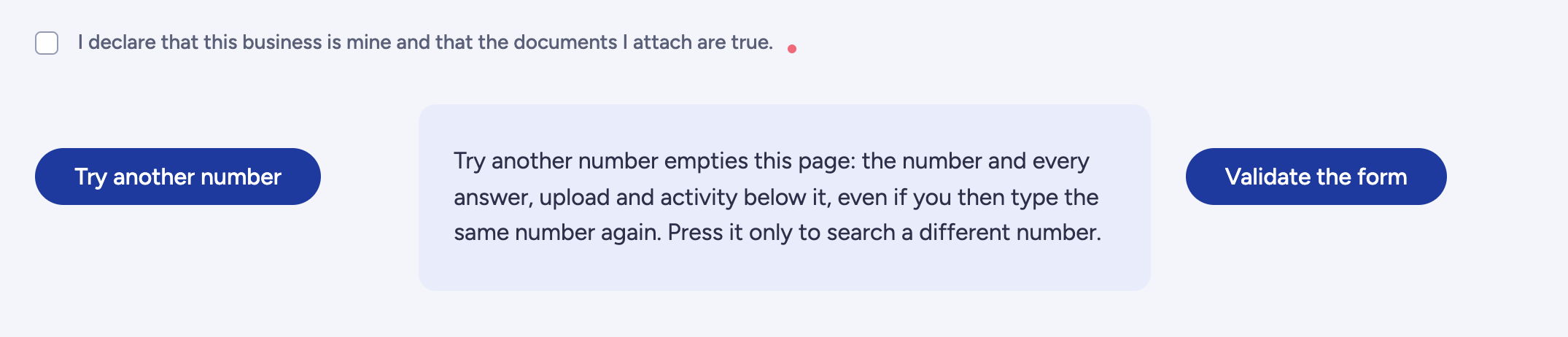
Tick the declaration and press Validate the form.
On the next page, press Send my request.
What you get: your business back on your dashboard, with Renew and Update, under the same number and with no new certificate. The licences that belong to it come with it: you do not claim them one by one.
OBFC does not find your business number
Check the number. If it is right, continue below.

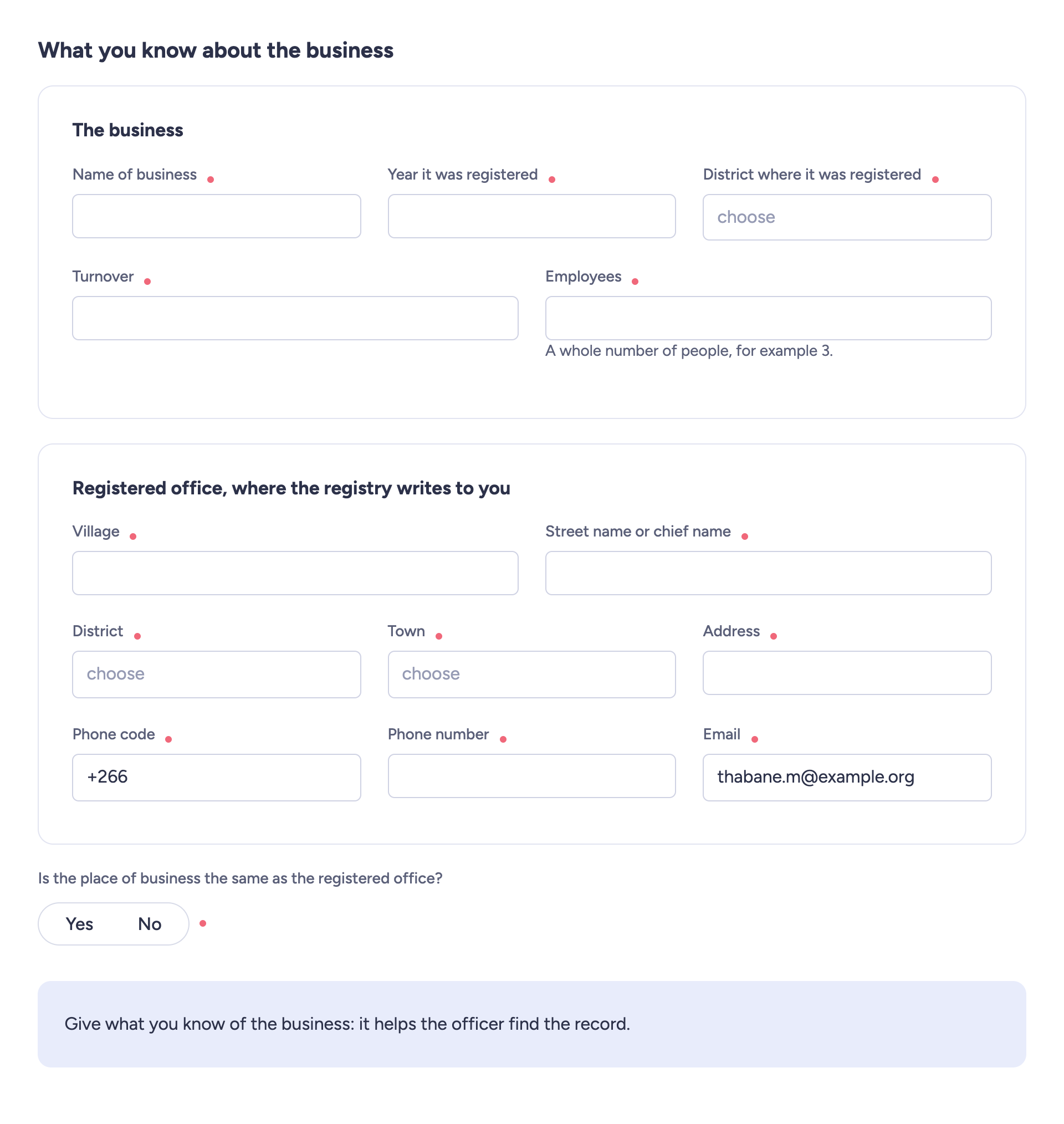
What you know about the business. Every answer is required.
Your activities: add each activity printed on your certificate, and give the licence number where one is needed. The list starts empty.
Attach your Business ID certificate.
Tick the declaration and press Validate the form. Screen shown in case 1, step 5.
On the next page, press Send my request.
What you get: your business back on your dashboard, with Renew and Update, under the same number and with no new certificate. The licences you list under Your activities come with it.
Your business number is already on another person's dashboard
The screen says the number is already in use under another account. An OBFC officer checks your certificate and, if the business is yours, adds it to your dashboard.

Attach your Business ID certificate. Screen shown in case 1, step 2.
Tick the declaration and press Validate the form. Screen shown in case 1, step 5.
On the next page, press Send my request.
What you get: your business back on your dashboard, with Renew and Update, under the same number and with no new certificate. The licences that belong to it come with it: you do not claim them one by one.
OBFC cannot recover this business online
The screen says why: a company number, a business already on your dashboard, or a number in use today that OBFC's old files do not hold. An OBFC officer at the counter can help. Your request stays as a draft under My Applications, where you can delete it.

What happens next
You receive an email when your request is approved or refused. If OBFC asks for corrections, the request comes back to you under My Applications.